External Hard Drive: The Complete Guide to Choosing, Using, and Protecting Your Data
Introduction
An external hard drive has become one of the most useful storage devices for both personal and professional users. Whether you need extra space for family photos, work documents, videos, games, or complete system backups, an external hard drive offers a practical and affordable solution. Instead of constantly worrying about running out of storage on your computer, you can simply connect an external drive and instantly expand your available space.
Today’s digital lifestyle creates more data than ever before. High-resolution photos, 4K videos, software applications, and large files can quickly fill up internal storage. That’s why many people rely on external hard drives to safely store important information without slowing down their computers. These devices are portable, easy to use, and compatible with most Windows and Mac systems.
In this guide, we’ll explore everything you need to know about external hard drives, including how they work, their benefits, different types, buying tips, and best practices for keeping your data safe. Whether you’re a student, content creator, gamer, or business professional, understanding external storage can help you make smarter decisions about managing your digital files.
What Is an External Hard Drive?
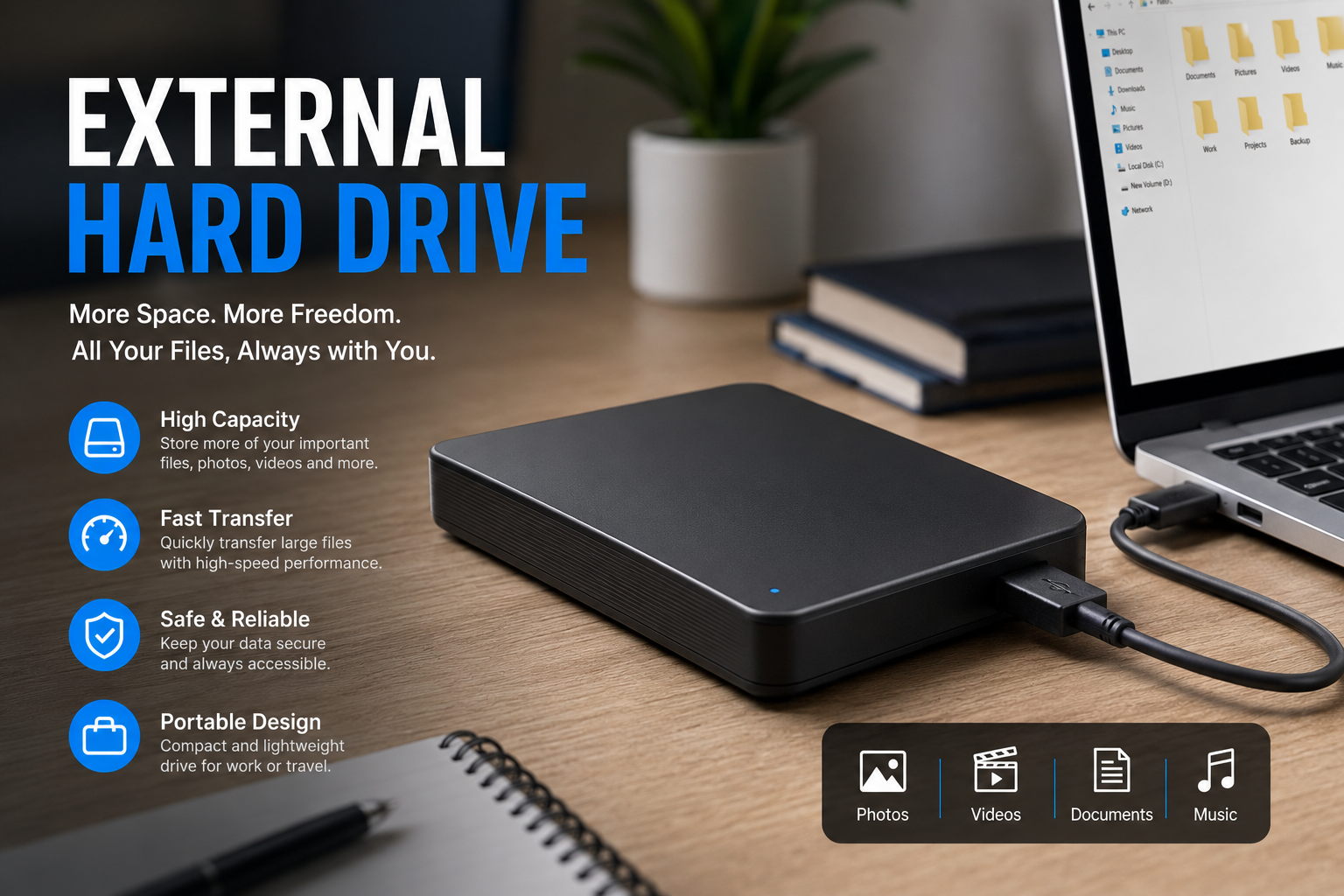
An external hard drive is a storage device that connects to your computer through a USB, USB-C, Thunderbolt, or similar interface. Unlike an internal hard drive, it remains outside the computer, making it easy to transport and connect whenever additional storage is needed. Most external drives are plug-and-play, meaning you can start using them within seconds after connecting.
These drives function much like the internal storage inside your computer. They store documents, images, music, videos, software, and backups in an organized file system. Depending on the model, storage capacities range from a few hundred gigabytes to several terabytes, giving users plenty of room for growing collections of digital content.
External hard drives have evolved significantly over the years. Modern versions are faster, more durable, and more energy-efficient than older models. Some are designed specifically for gaming, while others focus on professional video editing or long-term backup storage. Regardless of the purpose, they all share the same goal of providing reliable and convenient data storage.
Benefits of Using an External Hard Drive
One of the biggest advantages of using an external hard drive is expanding your storage capacity without replacing your computer’s internal drive. This is especially helpful for laptops, where upgrading internal storage is often difficult or expensive. By simply plugging in an external drive, you gain access to a significant amount of additional space.
Another important benefit is data backup. Hardware failures, accidental deletions, viruses, or ransomware attacks can result in permanent data loss. Regularly backing up important files to an external hard drive creates an extra layer of protection. If something goes wrong with your computer, your valuable files remain safely stored on the backup drive.
Portability is another reason why external hard drives remain popular. Professionals often carry project files between offices, photographers transfer large image libraries, and students move assignments between home and school. Instead of relying entirely on cloud storage, an external hard drive provides immediate offline access to important files wherever you go.
Different Types of External Hard Drives
Traditional HDDs, or Hard Disk Drives, remain one of the most common options available. These drives use spinning magnetic disks to store information and generally offer the best value for large storage capacities. If you need several terabytes of storage without spending too much money, an HDD is usually the most cost-effective choice.
External SSDs, or Solid State Drives, are becoming increasingly popular because they use flash memory instead of moving mechanical parts. This makes them significantly faster, quieter, and more resistant to physical damage. Although SSDs typically cost more per gigabyte, their superior speed makes them ideal for professionals working with large media files or anyone who values fast performance.
There are also rugged external hard drives designed specifically for travel and outdoor use. These models feature reinforced casings that help protect against drops, water, dust, and harsh environments. While they may cost a bit more, they provide additional peace of mind for users who frequently transport important data.
How to Choose the Right External Hard Drive
The first factor to consider is storage capacity. If you only need space for documents and photos, a 1TB drive may be sufficient. However, if you regularly work with high-definition videos, games, or extensive backups, choosing a 4TB or even an 8TB model may be a smarter long-term investment.
Speed is another major consideration. USB 3.0, USB 3.2, USB-C, and Thunderbolt connections offer much faster data transfer rates than older USB standards. Likewise, SSD-based external drives provide noticeably quicker file transfers compared to traditional HDDs. Selecting the right combination depends on your budget and performance requirements.
Compatibility should never be overlooked. Most external hard drives support both Windows and macOS, but some may require formatting before switching between operating systems. Checking compatibility in advance helps prevent unnecessary setup issues after purchase.
Best Practices for Using an External Hard Drive
Keeping your external hard drive organized makes file management much easier. Creating folders for work documents, photos, videos, backups, and personal files saves time when searching for specific data. A well-organized storage system also reduces the chance of accidentally deleting important files.
It’s equally important to safely eject the drive before disconnecting it from your computer. Removing the drive while files are still being accessed can lead to data corruption or damaged file systems. Taking a few extra seconds to properly eject the device helps maintain its long-term reliability.
Regular backups should become part of your routine rather than an occasional task. Scheduling automatic backups ensures your latest files are always protected. This simple habit can save countless hours of frustration if your computer experiences unexpected problems.
Common Mistakes to Avoid
Many users wait until their computer is nearly full before purchasing additional storage. This often leads to slow system performance and rushed decisions. Planning ahead by investing in an external hard drive early helps maintain a smoother computing experience.
Another common mistake is treating an external hard drive as the only backup. While it provides excellent protection, relying on a single storage device still carries some risk. Maintaining multiple backups, including cloud storage or another external drive, offers greater security against hardware failure or theft.
Some people also ignore software updates or never check the health of their storage devices. Periodically monitoring your drive’s condition allows you to identify potential issues before they result in data loss. Replacing an aging drive before it fails is always better than trying to recover lost information afterward.
How to Keep Your External Hard Drive Safe
Physical protection plays a major role in extending the lifespan of an external hard drive. Store it in a protective case when traveling and avoid exposing it to excessive heat, moisture, or strong impacts. Mechanical HDDs are especially sensitive to drops while operating.
Using password protection and encryption can safeguard confidential information from unauthorized access. Many modern external hard drives include built-in encryption software, making it easier to protect sensitive personal or business files.
Keeping the drive clean and using quality cables also contributes to reliable performance. Damaged cables or dirty connectors may cause intermittent connections or slower transfer speeds. Replacing worn accessories is an inexpensive way to prevent future problems.
Conclusion
An external hard drive remains one of the smartest investments for anyone who values their digital data. It offers additional storage, simplifies backups, improves file organization, and provides an easy way to transport important information between devices. Whether you choose a traditional HDD for maximum capacity or a high-speed SSD for better performance, there’s an option available for every budget and need.
As digital files continue to grow in size, having dependable external storage becomes increasingly important. Choosing the right drive, maintaining regular backups, and following basic safety practices will help ensure your valuable data stays protected for years to come.
If you’re looking for a reliable, flexible, and cost-effective way to expand your storage while keeping your files secure, an external hard drive is an excellent solution that delivers long-term value and peace of mind.
You May Also Read: Estate Sales